Beginner class · Starts Mon 5 October · Online
Computer Skills Course in Kenya
Learn Google Docs, Sheets, Slides, Drive, Canva and AI from zero — live, using your own laptop.
5,000+ people trained · Certificate included · Sessions recorded
Taught online by Elvis W., based in Westlands, Nairobi, and available across Kenya.
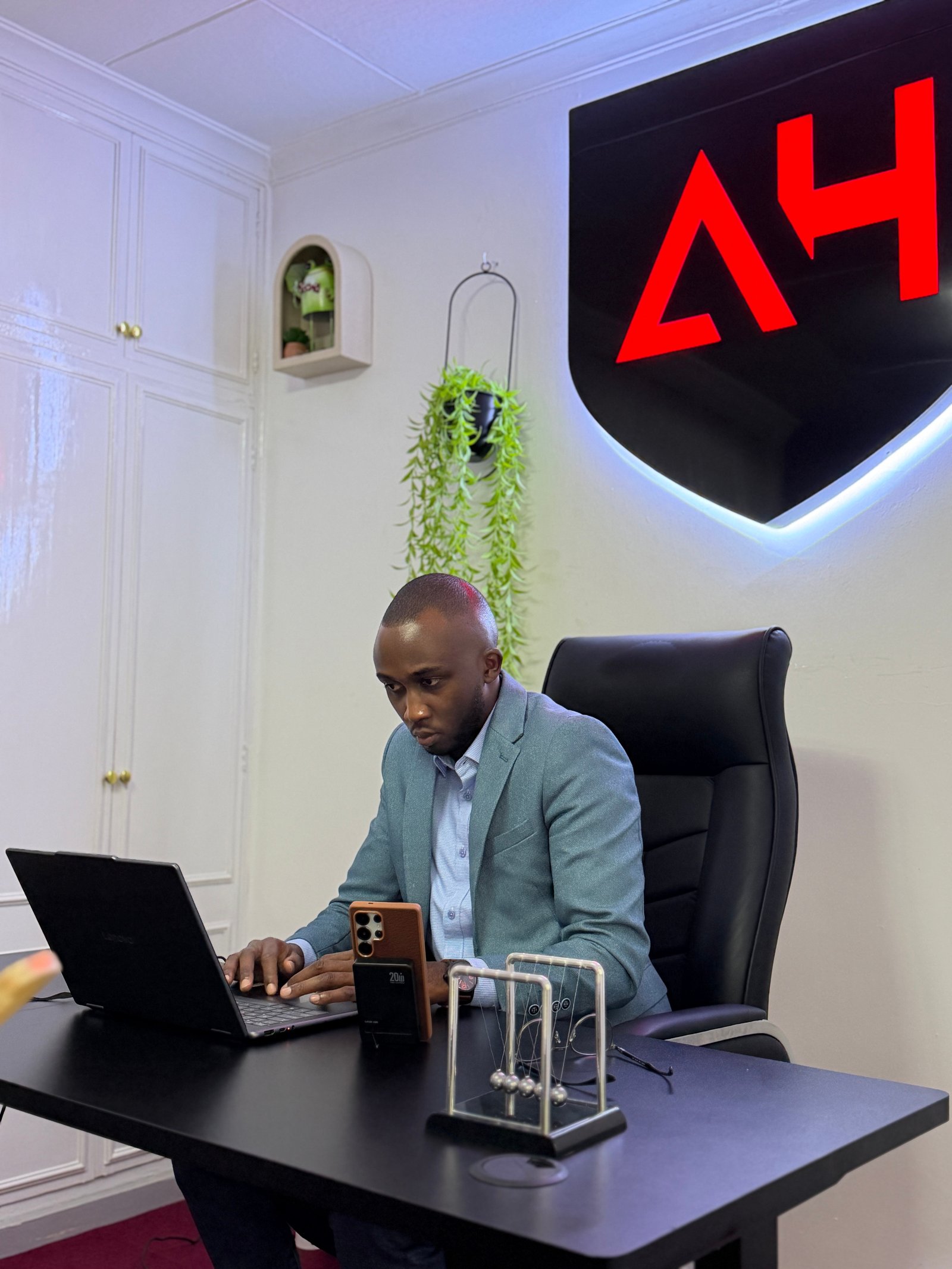
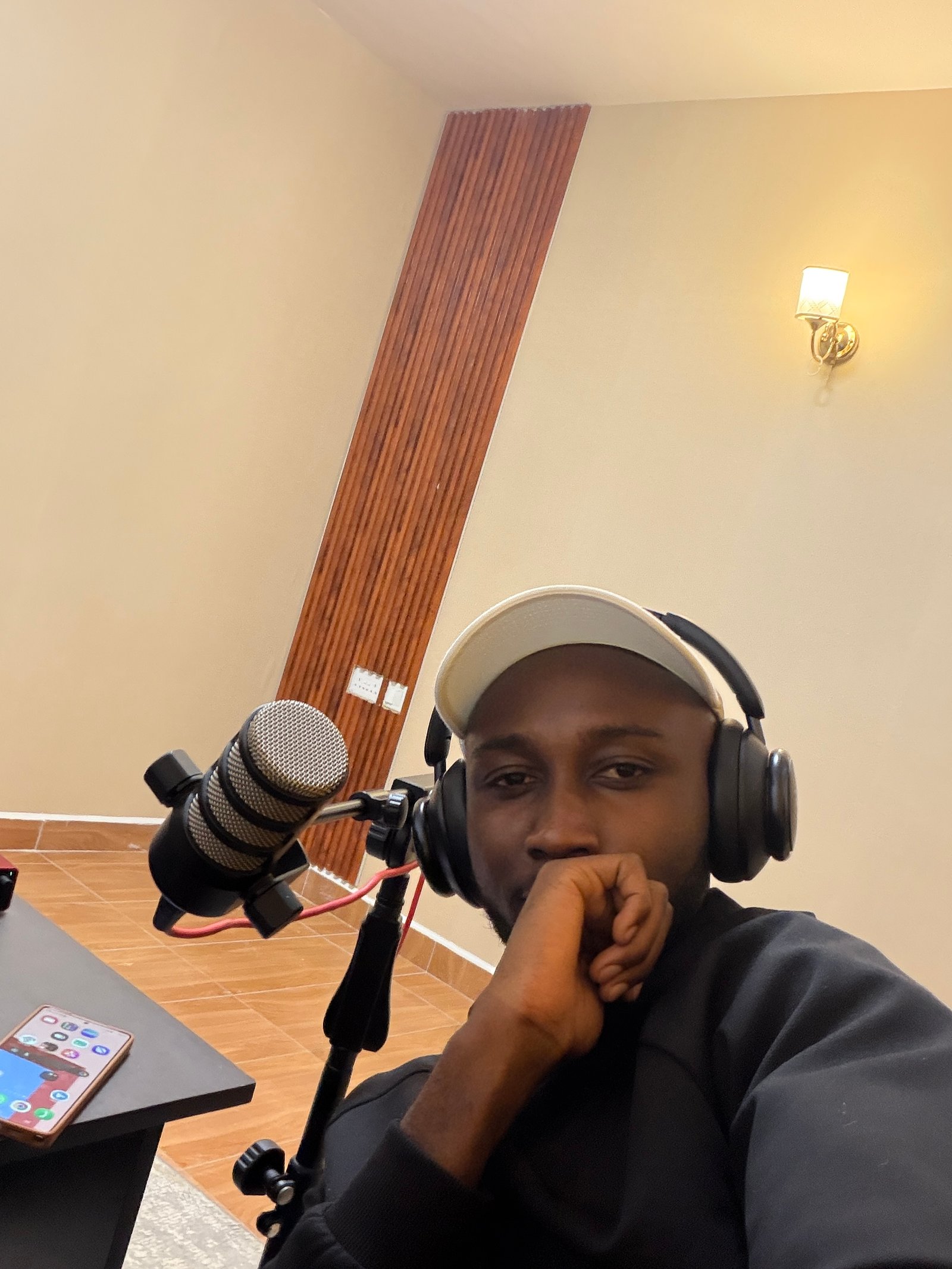
Elvis · Live class setup
8 sessions
Live, with me on the call
7:00 – 8:30 PM
Monday to Thursday, 2 weeks
Online
Google Meet, join from home
Certificate
Issued when you finish
The problem
Do computer tasks slow you down?
Editing documents, building presentations and organising files should not take hours—or stop you from applying for a job.
You only need someone to show you clearly, one step at a time.


Jobs you do not apply for
Because of one line in the requirements you are not sure you meet.
Work you hand to somebody else
And pay for, or owe a favour for, every single time.
Hours you will not get back
Doing by hand what the tool was built to do in 10 seconds.
Most computer courses still teach yesterday’s tools.
Today, work happens online with shared files, cloud tools and AI.
This class teaches what people use now.
Here is what changed
Today’s essential work tools are free.
Google Workspace, Canva, ChatGPT and Claude are free to start.
I show you which tool to use and help you practise it live.
That is the entire class.
The solution
Modern Computer Skills
The free tools people actually work with, plus AI, taught from zero.
Eight live sessions on your laptop, with me guiding you as you practise.

You use it while I watch
You practise every task live and get help when stuck.
Nothing to buy
Every tool we use is free.
Built for 2026
Learn shared files, cloud tools and practical AI.
What we cover
One tool a session. One thing you can do by the end of it.
Getting comfortable
Files, folders, saving, naming and useful keyboard shortcuts.
You leave with: organised files you can find quickly
Google Drive
Upload, organise and share files with the right access.
You leave with: a tidy Drive you can open anywhere
Google Docs
Create, format, share and export documents as Word or PDF.
You leave with: a clean CV or letter
Google Sheets
Learn rows, columns, formulas, sorting, filters and simple charts.
You leave with: a working budget or record sheet
Google Slides and Google Keep
Build clear presentations, then organise notes and reminders.
You leave with: a presentation and notes system
AI, from the beginning
Use ChatGPT and Claude to draft, explain, summarise and check work.
You leave with: useful prompts for everyday work
Canva
Use templates to make posters, CVs and social posts.
You leave with: two finished designs
Putting it to work
Combine every tool in one practical task from start to finish.
You leave with: one complete piece of work
Free bonus: Digital Skills Masterclass, a recorded guide to earning with digital skills in Kenya.
What you can do by the end
Not a list of topics. A list of things you could not do before.
- Create a CV or letter and export it as PDF.
- Build a budget with working formulas.
- Create and deliver a presentation.
- Organise files online and access them anywhere.
- Share documents with the right permissions.
- Use AI to draft, summarise and check work.
- Design clean posters, CVs and social posts.
- Use a computer confidently at work.
Number 8 is the one that changes things.
This is for you if:
- You know the basics but still need help with computer tasks.
- You need practical computer skills for work or school.
- You run a small business and do too much by hand.
- You want to learn AI from the beginning.
- You can use a laptop during each session.
This is not for you if:
- You already use Docs, Sheets and Slides confidently.
- You want a coding or professional design course.
- You need a Microsoft Office qualification.
- You only want recordings, not live practice.
Not ready yet? WhatsApp me on +254 115 661 135 and I will advise you.
Earn a certificate you can share.
Complete the class and receive a digital certificate with your name.
Download it, print it or add it to LinkedIn and job applications.
Attend the sessions, do the tasks, get the certificate.

Issued by Elvis W.
Live, small, and slow enough to follow.
Eight live evenings on Google Meet, with recordings included.
We go at beginner speed
Nothing is assumed. Nobody is rushed or embarrassed.
You do it, not me
I demonstrate, then you practise while I help.
Everything is recorded
Recordings are shared the same day.
Questions get answered
Ask in the WhatsApp group. I answer personally.
You get the files
Keep every slide, note and practice file.
We finish on time
Sessions run 90 minutes and stop. Your evening stays yours.
- Dates
- Monday 5 October to Thursday 15 October 2026
- Time
- 7:00 – 8:30 PM EAT, Monday to Thursday
- Where
- Google Meet. Link sent when you pay.
- What you need
- A laptop and internet connection.
Elvis Warutumo · Nairobi
Elvis Warutumo · Founder, Click2Skill
I learned these skills from the same place you are starting.
I am Elvis. I learned these tools through real client work, starting in a cyber café in Nyeri.
Since 2022, I have trained more than 5,000 people across Kenya.
I teach patiently, clearly and without jargon.
5,000+ people trained · Since 2022 · Nairobi
What it costs
One price. Everything included.
KES 2,490
For all 8 sessions. No subscriptions or extra charges.
- 8 live sessions with me
- All session recordings
- Slides, notes and practice files
- Private WhatsApp support group
- Free Digital Skills Masterclass
- Certificate on completion
Secure payment by M-Pesa or card.
Manual M-Pesa: Till 9264815 (TERA CREATIONS) or send to 0115661135 (Elvis Warutumo Gitau), then send the confirmation.
Answers
Questions
Starts Monday 5 October
Ready to feel confident on a computer?
8 live sessions · KES 2,490 · Certificate included